
Arrival alarms, and departure alarms with Plus
Ring when you enter a zone, when you leave it, or both. Use it once, every day, or on the days you commute. How to set and test a GPS location alarm on Android.
A GPS location alarm that rings as you get close to your stop, even when your phone is locked. Start free with two alarms, no account needed, and test it once with your phone locked before your first trip.

On Android today. The iPhone app is coming to the App Store soon.
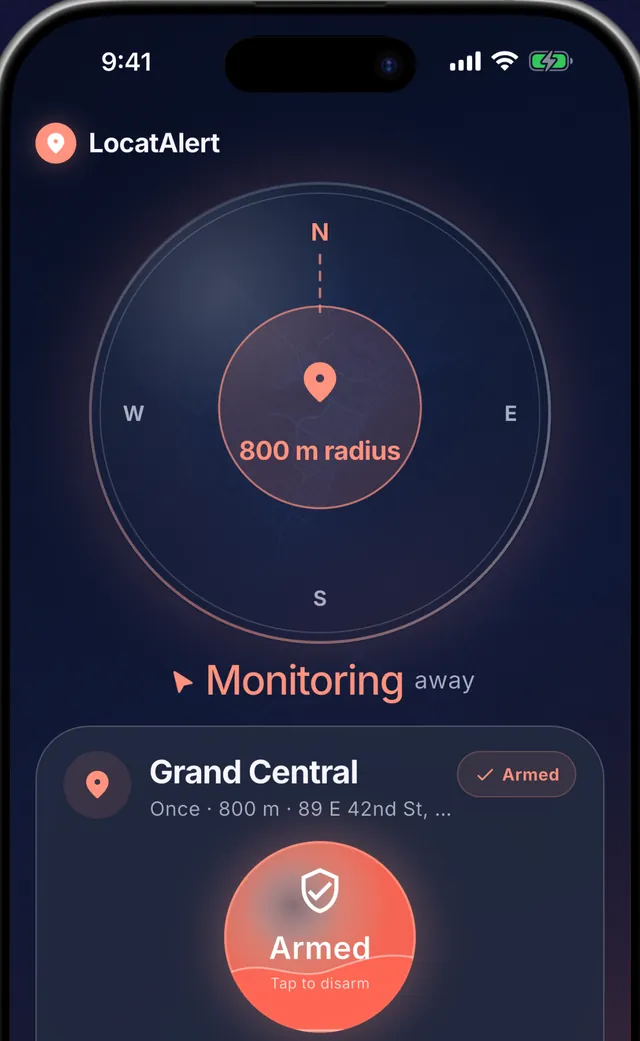
Five screens from the app.
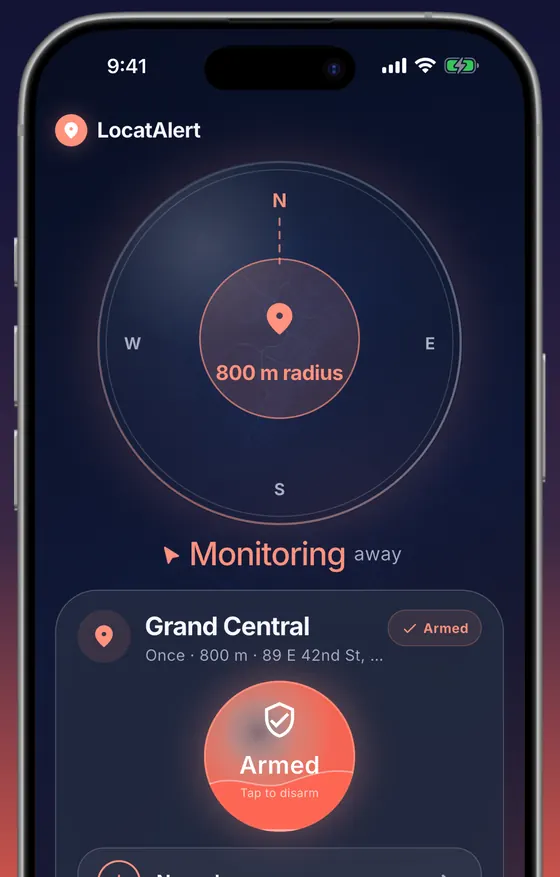
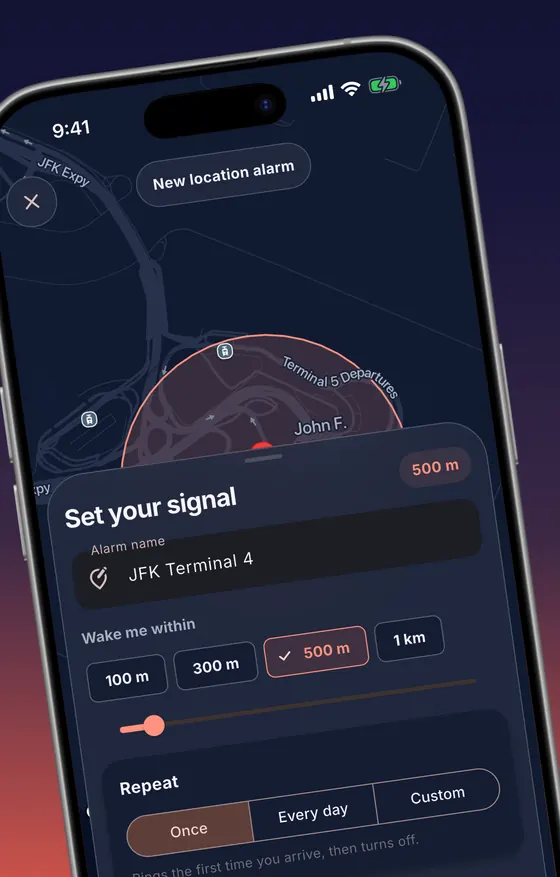
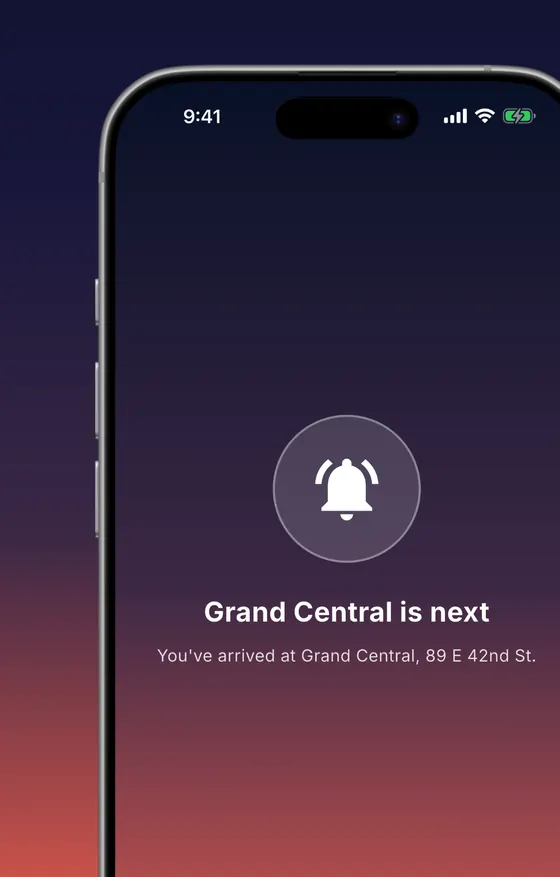
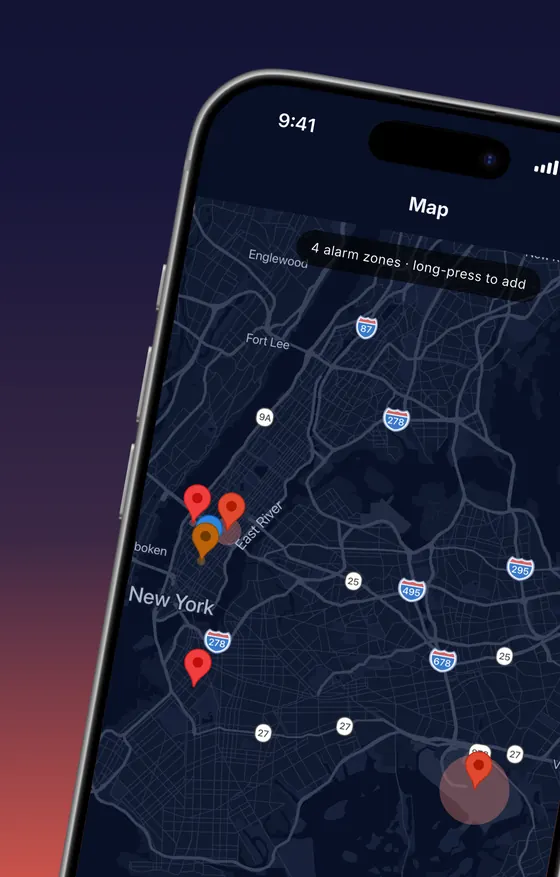
A clock alarm guesses when you will arrive. LocatAlert rings when your bus or train actually reaches the zone you set.
Ring when you enter a zone, when you leave it, or both. Use it once, every day, or on the days you commute. How to set and test a GPS location alarm on Android.
A small radius for a walk to the shop, a wide one for a fast train. See the warning each radius gives on a bus or train.
Far from your stop, the phone checks position rarely and cheaply. Precise GPS switches on only in the last stretch, so most of a long trip runs on low-power checks.
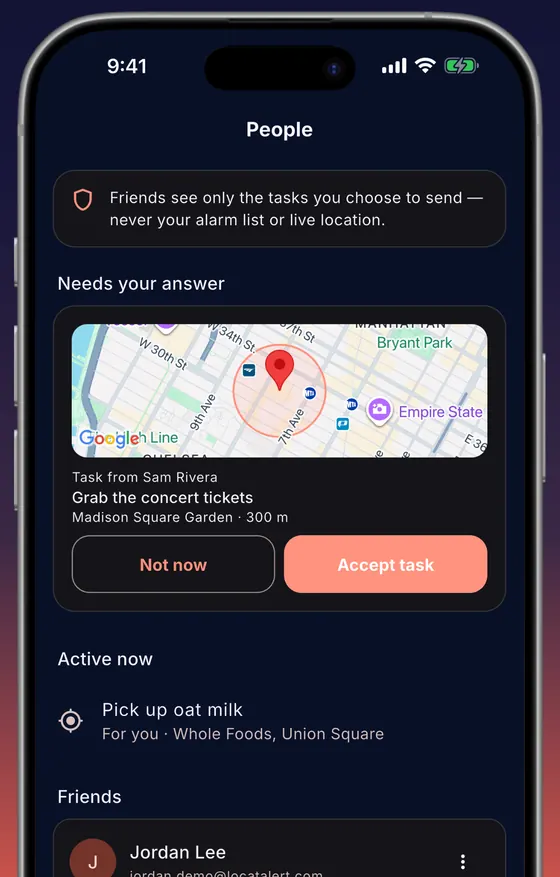
Send a friend a place and a task. They choose whether to accept it. Nobody's continuous location is shared, in either direction.
Hey Siri, wake me up at Central Station with LocatAlert.
Coming with the iPhone release: arm a saved place, check which alarms are on, or switch them all off by voice.
Allow location all the time, notifications and alarms, and let LocatAlert ignore battery optimization. Then test it once with your phone locked before your first trip. Add an account and friends can send you places. Plus and Family are monthly or yearly subscriptions in the app.
Distance checks run on the phone, against the places and radii you saved. Your GPS stream is not uploaded to our servers, and background location is used only while an armed alarm is watching for arrival or departure.
Yes. With location, notification and alarm permissions enabled, LocatAlert rings with sound while your phone is locked. On Android it opens a full-screen alarm over the lock screen. On iPhone with iOS 26 or later and Lock Screen alarms allowed, it rings as a system alarm on the Lock Screen. On older iOS, or if you decline, it rings as repeated time-sensitive notifications with your alarm sound.
Yes. Set a radius around the destination, from 50 m to 5 km. A wider radius gives more warning: at 80 km/h, 1 km gives about 45 seconds and 3 km about 2 minutes 15 seconds. The bus stop alarm guide has the full table.
Two alarms are free. With location, notification and alarm permissions on, it rings even with the app closed; test it once before your first trip. You can start as a guest without an account. Plus adds unlimited alarms, arrive/leave/both triggers, the days you pick and every alarm sound. Family is everything in Plus, and tasks you send ring as a real alarm on their phone. Prices are shown in the app for your region.
LocatAlert is built to keep it low. Far from your destination it checks position rarely and cheaply. Precise GPS switches on only in the last stretch before your stop, then switches back off.
No. LocatAlert can send a specific place-based task to a person you choose, and they decide whether to accept it. It does not expose a continuous live-location feed.
Get it on Google Play and start with two free alarms, no account needed.
On Android today. The iPhone app is coming to the App Store soon.